

Writing that stays out of your way
Formatting appears as you type, so Markdown never gets in the way. Outline, fold sections and focus on one idea at a time.
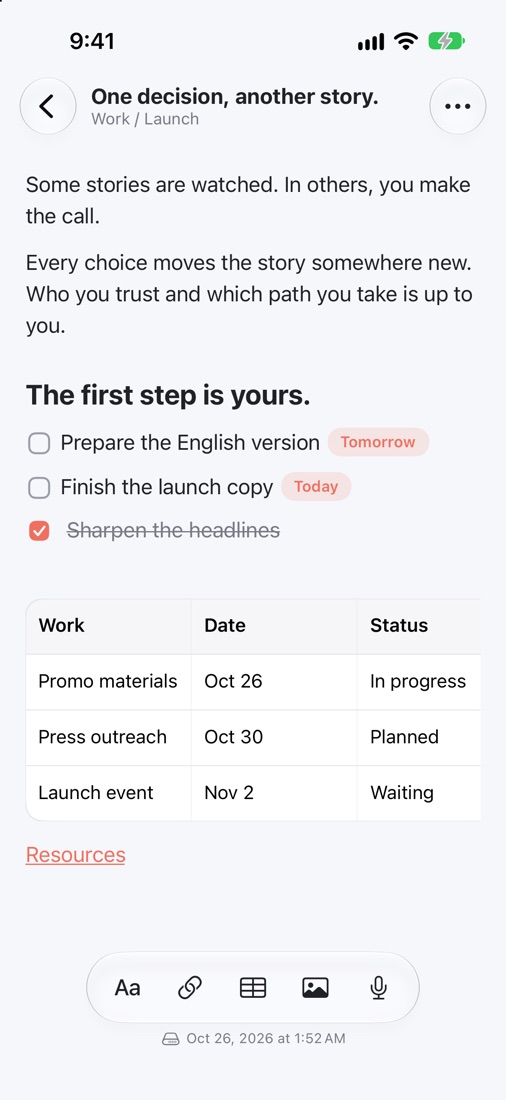
Notes first. Plans follow.
Heedor is a quiet place to think. Write in plain Markdown, turn any line into a task, and publish a page when the idea is ready.
Every note is a Markdown file in your own iCloud Drive.
Open the app and start writing. Your notes need no sign-up.
iPhone, iPad and Mac stay in step through iCloud.
Türkçe · English · العربية · Italiano · Français · Português (Brasil) · Deutsch · Español · 日本語 · 简体中文 · हिन्दी · Русский · Bahasa Indonesia · 한국어 · ไทย
iPhone, iPad, Mac
Jot down a thought on iPhone, plan the week on iPad, finish the piece on Mac. iCloud keeps everything in sync, without you having to think about it.
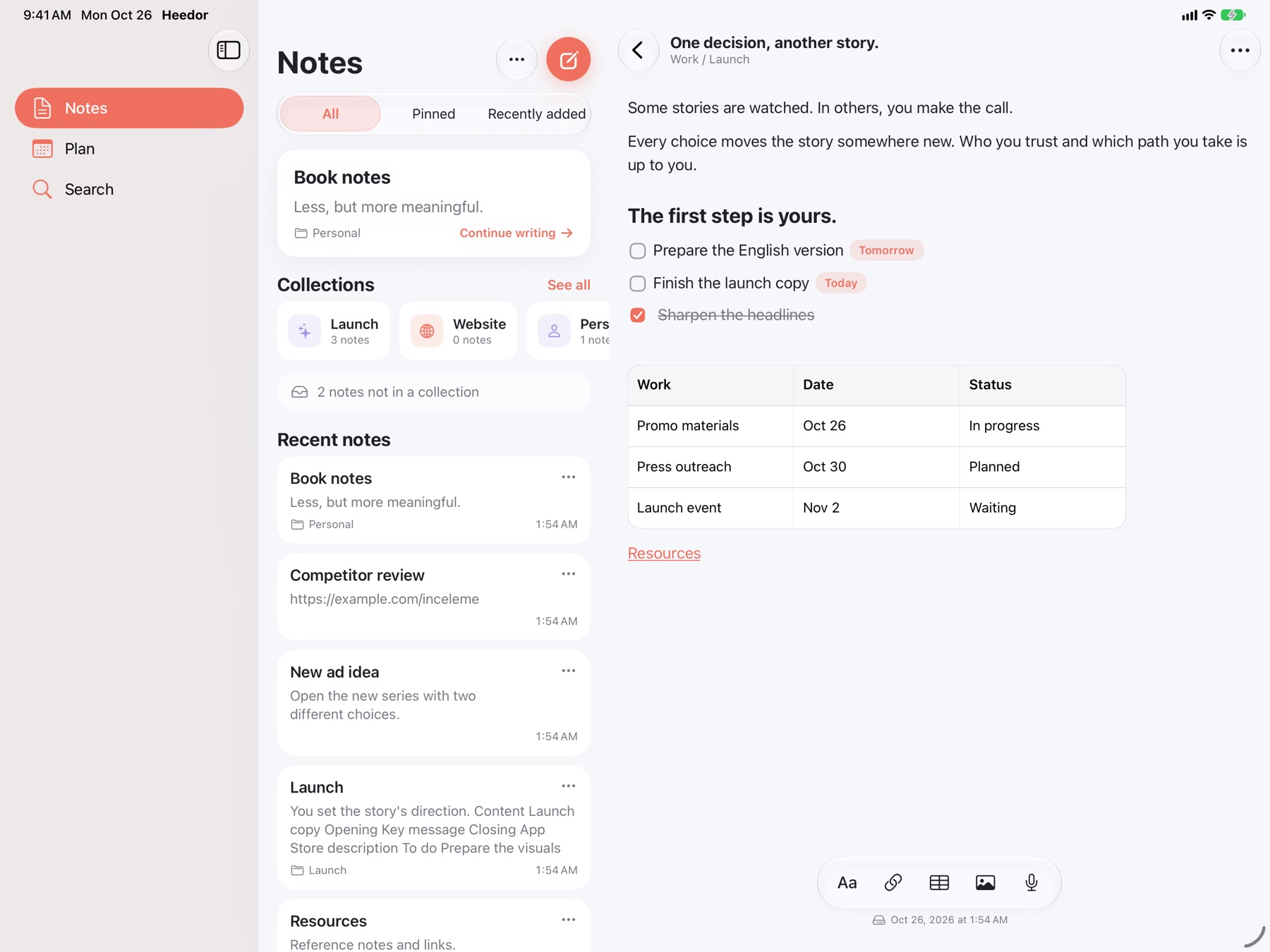
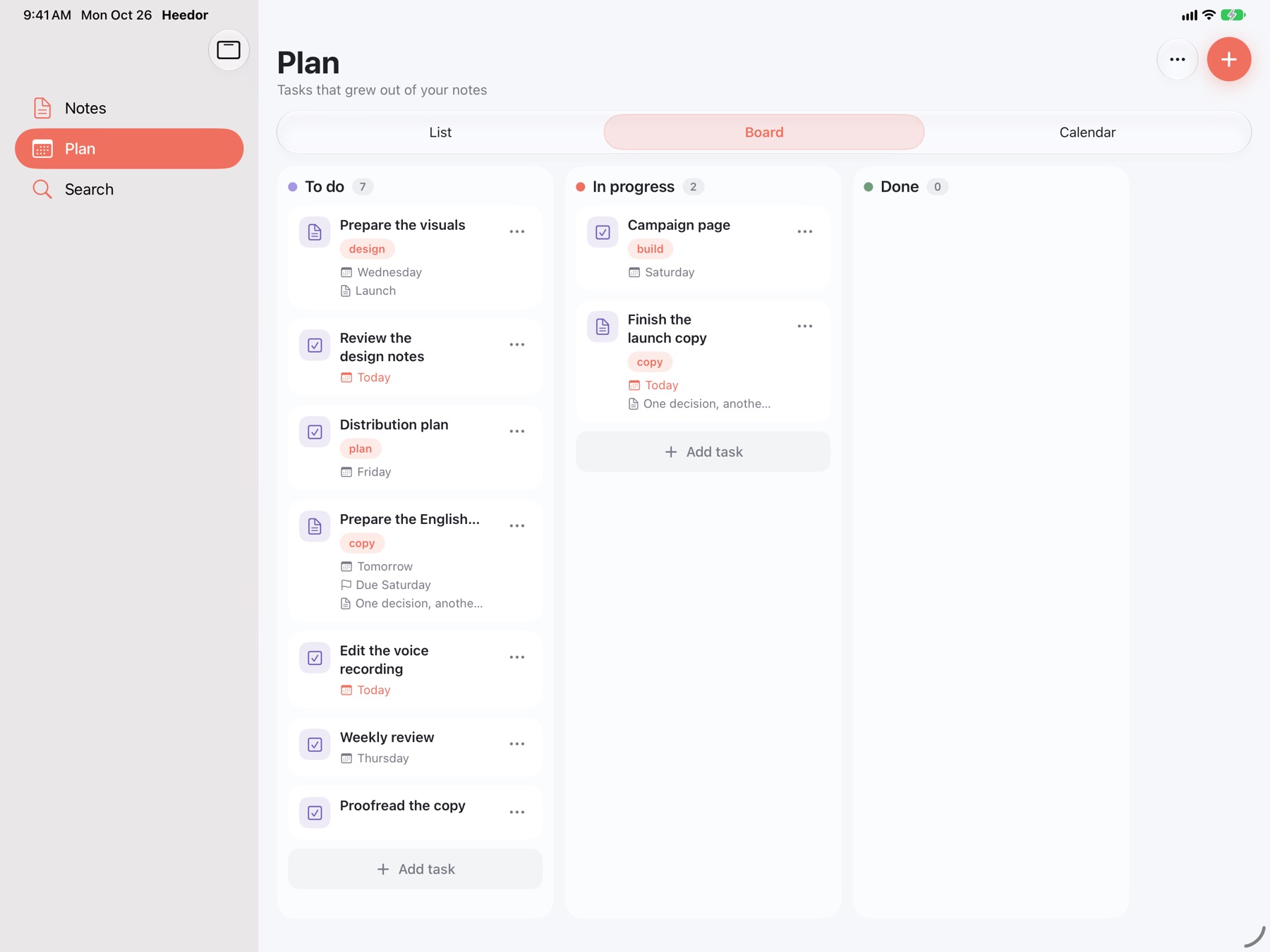
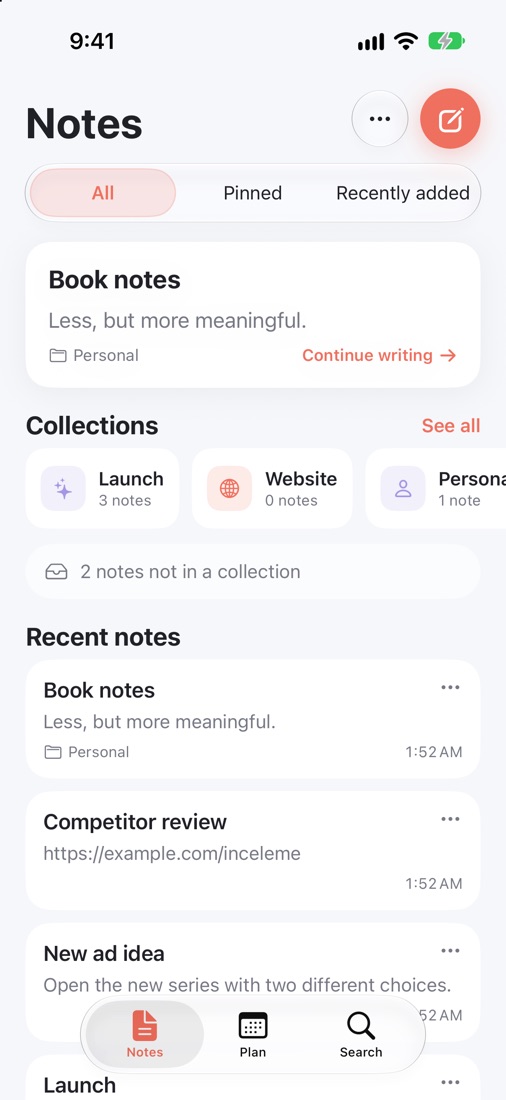
Capture in seconds — from the app, a widget or Siri.
Notes, list and editor side by side, with room to plan.
A true Mac app with menus, keyboard shortcuts and quick capture from the menu bar.
Private by design
Every note is saved as a Markdown file in your personal iCloud Drive. Apple keeps your files in sync across your devices, and we never see them. Open the Heedor folder in Files or Finder whenever you like.
Features
One calm space for ideas, tasks and pages — with no folders to maintain.
Formatting appears as you type, so Markdown never gets in the way. Outline, fold sections and focus on one idea at a time.
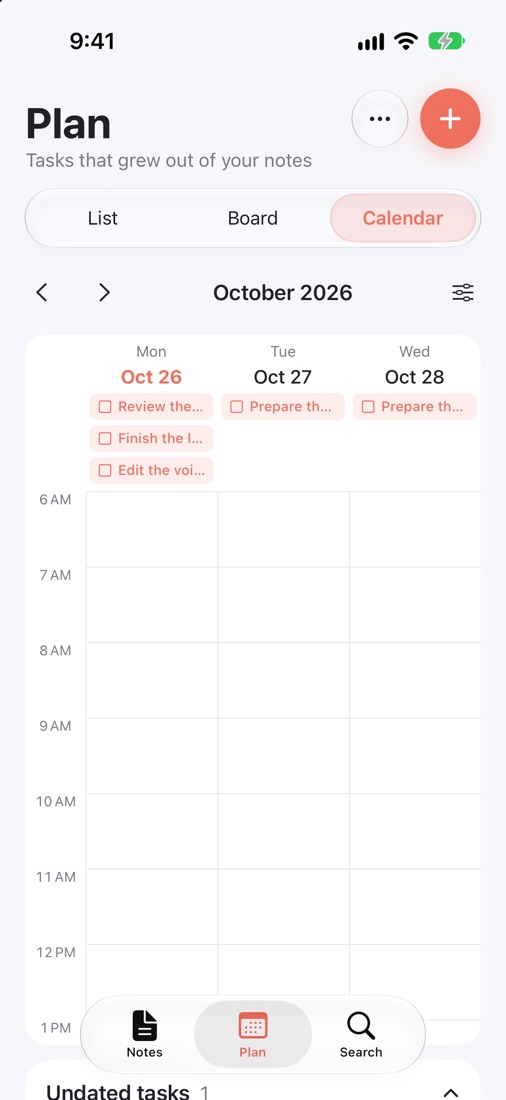
Any line can become a task that remembers where it came from. See your day as a list, a board or a calendar.
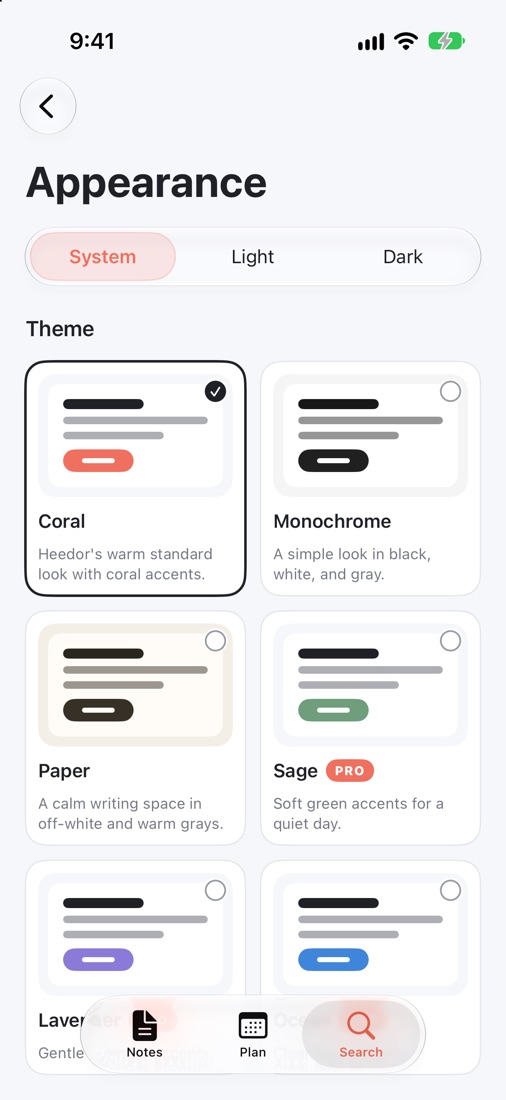
Six calm themes, 24 app icons and comfortable type that adapts to you.
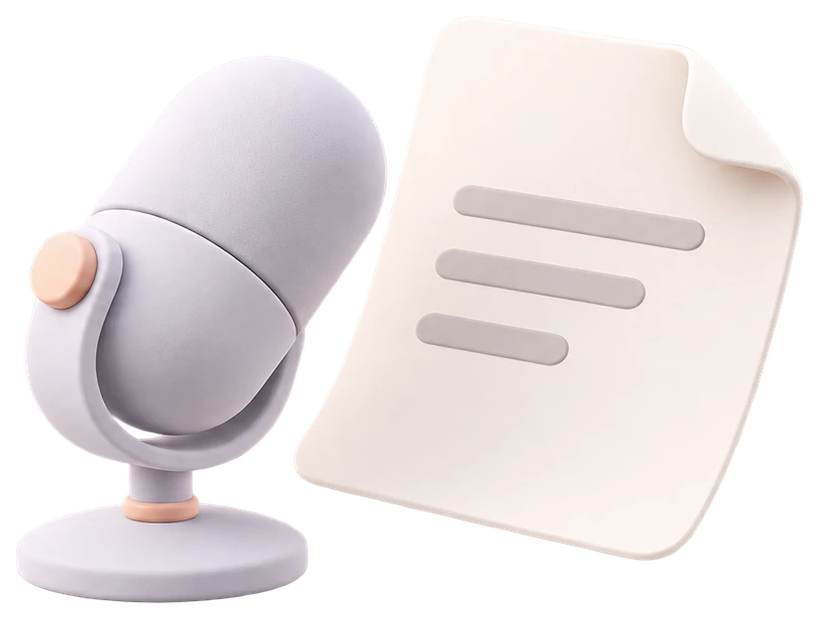
Speak, and Heedor transcribes on your device. Keep the recording, or just the words.
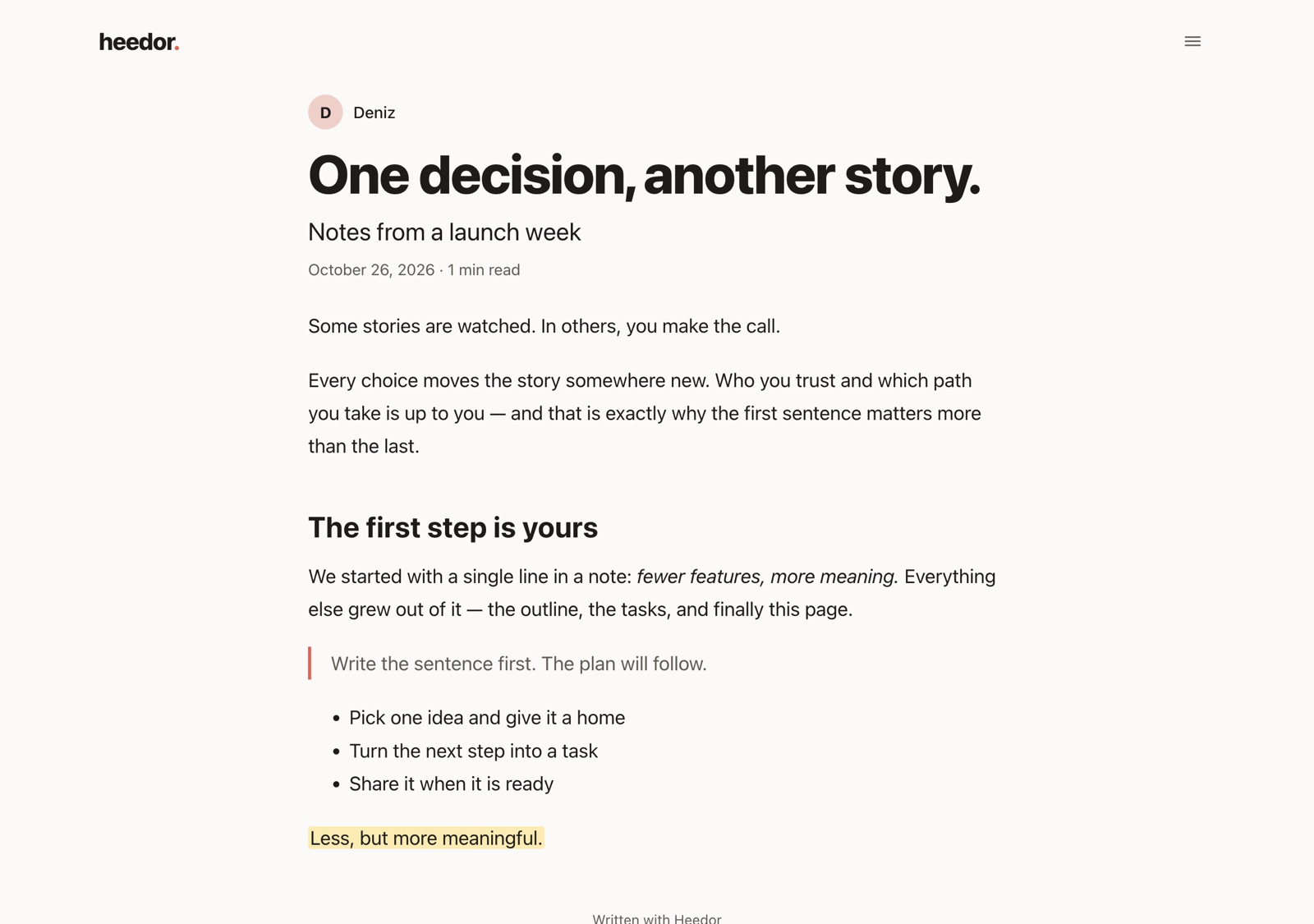
Share any note as a clean, readable web page. Choose a link or a password, update it anytime and take it down with one tap.
Everything you need to write and plan.
For people who plan and publish.
No. Your notes live in your iCloud Drive and Heedor asks for no sign-up, e-mail or Apple ID. Only if you subscribe or publish a page does the app create an anonymous identifier, with no personal details.
Yes. Heedor uses your iCloud Drive, so the same notes appear on every device signed in to your Apple Account.
Yes, with Heedor+. You can also keep a copy in your Google Drive. It stays off until you turn it on in Settings, and your iCloud folder remains the main copy.
Yes. They are standard Markdown files in your own folder, so any Markdown app can open them.
They go offline but are kept safe. Renew to publish them again. You can always take a page down or delete it.
Only what you choose to share: the pages you publish and, if you subscribe, the purchase confirmation from Apple, linked to an anonymous identifier.